Top Virtual Team Management Tools: To Boost Productivity and Collaboration Effectively
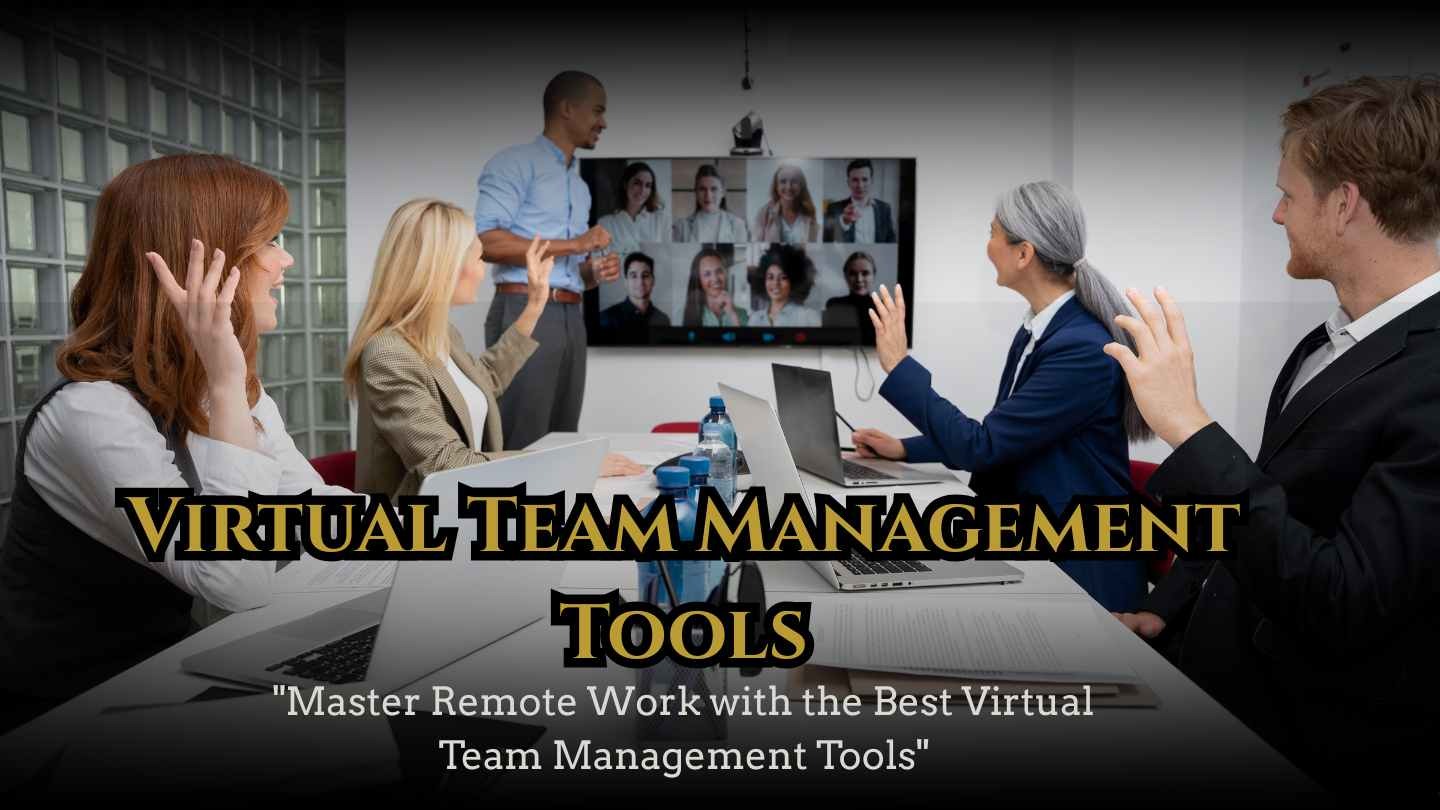
Managing remote teams effectively can be challenging, but the right virtual team management tools make collaboration seamless and productivity measurable. In today’s fast-paced digital workspace, businesses rely on software that streamlines communication, tracks progress, and simplifies task delegation.
This article explores the top tools that help teams stay organized, enhance workflow efficiency, and foster stronger connections among remote members. From project management platforms and time-tracking apps to communication hubs and collaboration software, we cover solutions suitable for teams of all sizes. By understanding the features, benefits, and best practices of these tools, managers can choose the right combination to optimize performance and ensure smooth virtual operations. Whether you’re leading a small team or coordinating across multiple departments, this guide provides actionable insights for achieving consistent results.
Understanding Virtual Team Management Tools
In today’s increasingly digital work environment, virtual team management tools have become essential for organizations of all sizes. These tools are software solutions designed to facilitate communication, collaboration, and productivity among remote teams. They help managers assign tasks, track progress, streamline workflows, and maintain accountability across distributed teams. Historically, businesses relied on in-person meetings, email chains, and manual task tracking, but with the rise of remote work, cloud-based platforms have become indispensable.
These tools are not only about managing tasks—they also focus on fostering engagement, improving team coordination, and ensuring transparency in operations. By adopting the right tools, organizations can reduce miscommunication, enhance efficiency, and maintain a strong team culture even in virtual environments.
Key Features of Virtual Team Management Tools
Effective virtual team management platforms offer a wide range of features to tackle the challenges of modern remote work, including task assignment and delegation, real-time collaboration and file sharing, time tracking and productivity monitoring, communication channels such as chat and video conferencing, and reporting dashboards and analytics. These functionalities help managers monitor team performance, identify bottlenecks, and optimize workflows efficiently. Many platforms also integrate with other software like calendars, email systems, and cloud storage, creating a centralized hub that keeps all tasks, communications, and files organized in one accessible location.
Benefits of Using Virtual Team Management Tools
The advantages of implementing virtual team management tools go far beyond simple task tracking, offering benefits such as enhanced productivity and time management, improved communication and collaboration among team members, increased accountability and task transparency, simplified project planning and milestone tracking, and reduced operational errors and workflow inefficiencies. By providing a clear overview of assignments and deadlines, these platforms enable teams to focus on high-priority tasks while minimizing redundant efforts. They also empower managers to make informed, data-driven decisions by analyzing performance metrics and identifying patterns to optimize overall workflow efficiency.
Types of Virtual Team Management Tools
Virtual team management tools are not one-size-fits-all. They generally fall into several categories based on their primary function:
Project Management Platforms
These tools focus on organizing tasks, deadlines, and deliverables. Popular examples include Asana, Trello, and Monday.com. They allow teams to visualize project progress, assign responsibilities, and maintain timelines.
Communication Tools
These tools emphasize real-time communication through video calls, messaging, and group chats. Examples include Slack, Microsoft Teams, and Zoom. Effective communication ensures remote teams remain connected and aligned.
Collaboration and File Sharing Tools
Tools like Google Workspace, Dropbox, and Notion provide cloud-based platforms for document sharing, collaborative editing, and centralized information management. They help reduce confusion caused by multiple file versions.
Time Tracking and Productivity Tools
Platforms like Toggl, Clockify, and Hubstaff allow teams to monitor time spent on tasks, track billable hours, and analyze productivity trends. These insights help managers identify areas for improvement.
Challenges and Best Practices
While these tools offer numerous advantages, organizations can face challenges such as tool overload, resistance from team members, and improper usage that reduces effectiveness. To maximize benefits, consider the following tips:
- Choose tools that integrate seamlessly with existing workflows
- Provide team training and onboarding for all software
- Set clear expectations for usage and accountability
- Regularly review performance metrics and adjust workflows
- Avoid using too many platforms simultaneously to prevent confusion
How Virtual Team Management Tools Work
The core functionality revolves around centralizing tasks, communication, and project tracking in one platform. Managers assign tasks, set deadlines, and monitor progress in real time. Team members can update task status, share files, and communicate with peers without switching platforms. Advanced analytics and reporting features allow managers to assess team productivity and project efficiency, facilitating proactive decision-making.

Use Cases and Recommendations
Virtual team management tools are versatile and can be applied across industries. Common use cases include:
- Remote marketing teams coordinating campaigns
- Software development teams managing sprints and releases
- Customer support teams tracking tickets and resolutions
- Freelance teams collaborating on content creation
- HR teams organizing recruitment workflows
For best results, organizations should select tools based on team size, project complexity, and integration needs. Combining project management platforms with communication tools often provides a comprehensive solution that balances oversight with collaboration.
Conclusion
In summary, choosing the right virtual team management tools can significantly improve productivity, streamline workflows, and enhance remote team collaboration. By understanding key features, benefits, and best practices, organizations can overcome common challenges and optimize team performance. From project management platforms to communication and file-sharing tools, the right combination ensures tasks are completed efficiently and deadlines are met. Adopting these solutions fosters better accountability, engagement, and workflow optimization, empowering teams to achieve consistent results. Investing in these tools is a strategic step toward a more connected, efficient, and successful remote workforce.