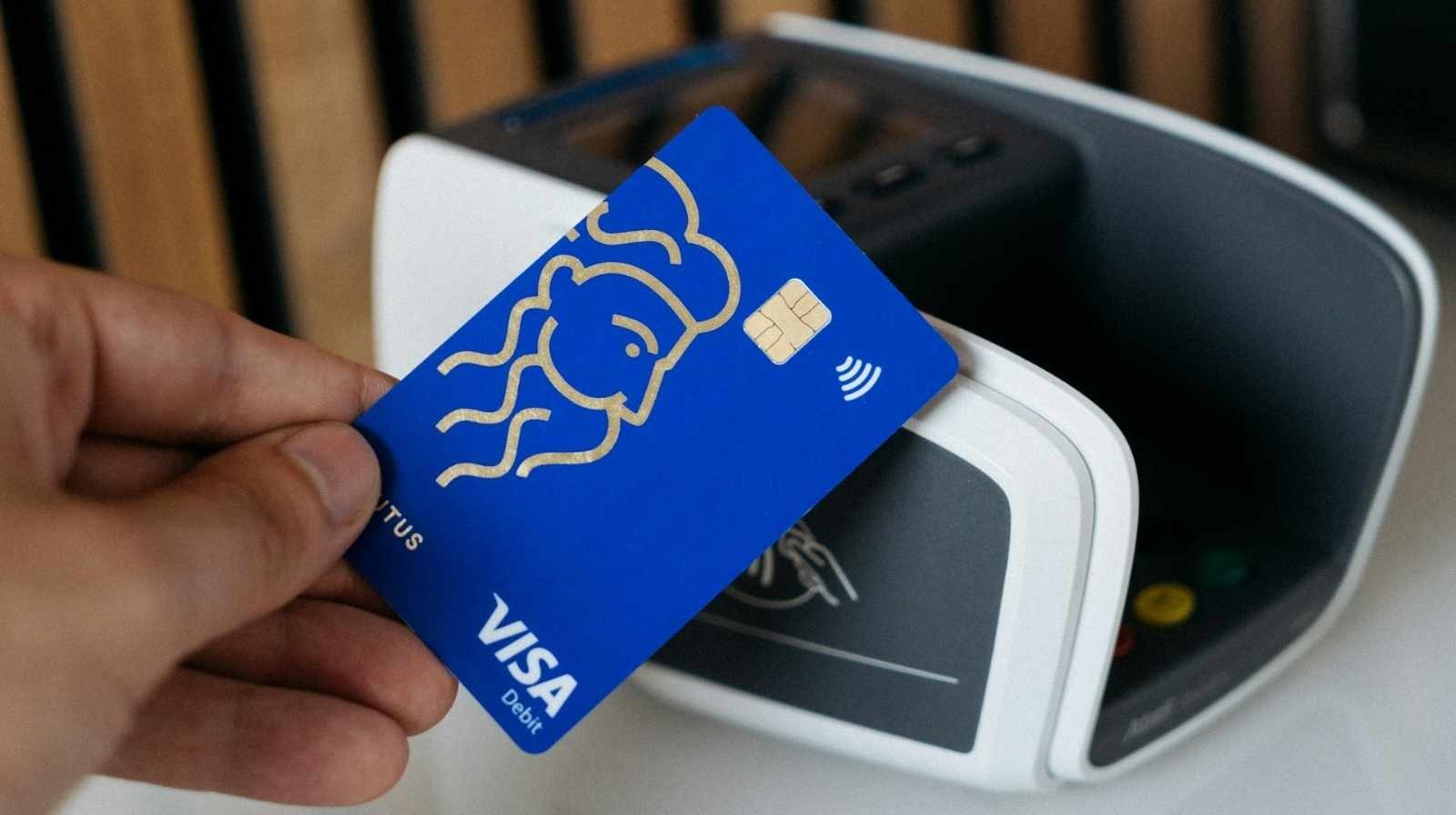
Yes, a digital Visa gift card PayPal setup is possible in 2026, provided the card is activated, registered with a valid billing address, and carries enough balance for the small verification hold PayPal places when you link it. This guide walks through exactly how the process works, which gift cards actually get accepted, why so many users hit decline errors on the first try, and the safest way to spend the balance through PayPal once everything is linked.
Table of Contents
The information here is built on PayPal’s published card linking rules and the most common support patterns reported by prepaid card issuers such as Vanilla, OneVanilla, GiftCards.com, and similar Visa branded eGift providers.
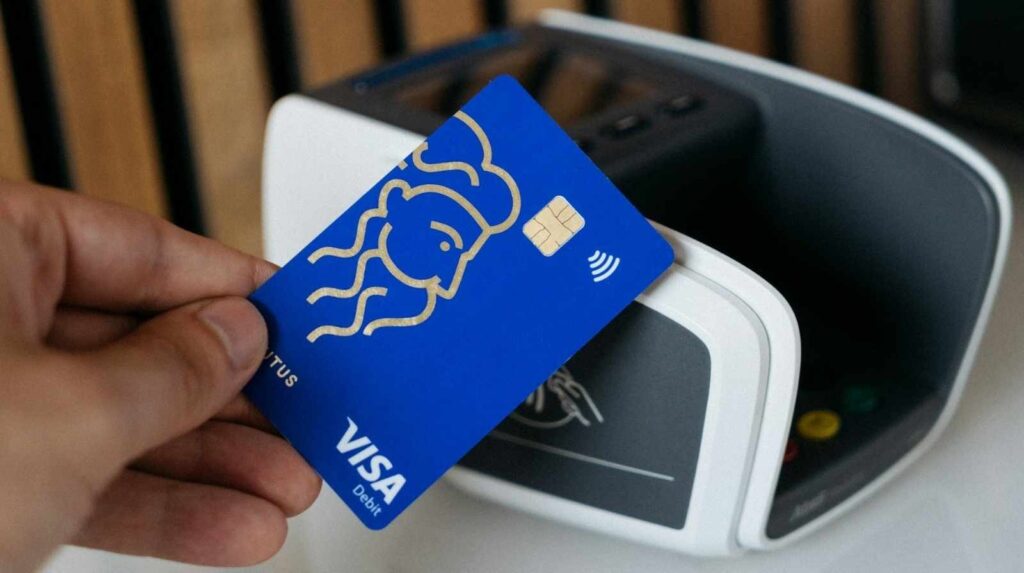
What this guide covers:
- Whether a digital Visa gift card can actually be added to a PayPal wallet
- The exact requirements PayPal checks before accepting your card
- Step by step linking and verification inside the PayPal wallet
- Why cards get rejected and how to fix the most common errors
- The difference between linking a card and using PayPal Guest Checkout
- Safe spending tips, fees, holds, and limits to watch for
Can You Actually Use a Digital Visa Gift Card With PayPal?
Quick answer: Yes. A digital Visa gift card PayPal connection works as long as the card has been activated, has been registered with a billing name and ZIP code, has enough balance to cover a small authorization charge, and belongs to the same country region as your PayPal account.
Most cards with a standard Visa logo, a 16 digit number, an expiration date, and a CVV on the back behave like a regular prepaid debit card inside PayPal. According to PayPal’s Help Center, PayPal accepts these kinds of cards as funding sources rather than as a way to load cash into your PayPal balance.
What PayPal Treats It As
When you link the card, PayPal classifies it the same way it treats any ordinary debit or credit card. You can select it at checkout, but you cannot move the gift card balance into your PayPal cash balance or transfer it to a bank account. The money stays on the card and gets drawn down each time you pay a merchant.
How a Digital Visa Gift Card Works With PayPal
Quick answer: PayPal links the card to your wallet, verifies it with a small temporary charge of around $1, and then lets you select the card as your payment source during checkout. The gift card balance pays the merchant directly, and PayPal acts as the secure middle layer.
The setup is close to how linking a bank issued debit card works, with two key differences. First, the gift card is prepaid, so PayPal cannot rebill past the remaining balance. Second, most gift cards require a manual billing address registration step before PayPal will accept the link.
The Authorization Hold Explained
When the card is linked, PayPal places a small temporary authorization on it, usually between $1 and $2. That amount returns to the card within a few days and is never a permanent charge. The hold simply confirms the card is live and that its details match what the card issuer has on file.
Requirements Before You Can Link a Gift Card to PayPal
Quick answer: You need an activated card, a billing name and ZIP code registered with the card issuer, a balance that covers the authorization hold, and a PayPal account in the same country region as the card.
Here is the checklist most users miss when setting up a digital Visa gift card PayPal connection for the first time.
1. Card Activation
Every digital Visa gift card needs to be activated before it can be used online. Activation usually happens on the card issuer’s website. For example, Vanilla branded cards activate at vanilla.com/activate, while other issuers run their own portals printed on the email receipt or card packaging. Until activation is complete, PayPal will reject every attempt to link the card.
2. Billing Address and ZIP Registration
PayPal uses the Address Verification System, known as AVS, to confirm that the billing ZIP code you enter matches the one stored with your card. Most gift cards ship with no billing address attached, which is why they fail on the first link attempt. You need to visit the card issuer’s website, enter your name along with a valid ZIP code, and save the registration before returning to PayPal.
3. Sufficient Balance for the Verification Hold
If your digital Visa gift card PayPal link keeps failing during verification, the balance is often the culprit. A card that sits below a couple of dollars cannot clear the temporary authorization, so the linking attempt silently fails. Keeping a small buffer above your intended spend helps PayPal complete verification cleanly.
4. Region Must Match Your PayPal Account
A United States issued gift card rarely works with a PayPal account registered in another country, and the same is true in reverse. Region and currency mismatches are one of the most common causes of instant declines when linking prepaid cards. Always match the card’s issuing country with the country listed on your PayPal profile.
5. Card Must Support Online Transactions
A small number of retail branded gift cards are locked to in store purchases only. These cannot be linked to any digital wallet, including PayPal. The card’s terms, usually printed on the back or inside the activation email, will state whether online use is permitted.
Types of Visa Gift Cards and Their PayPal Compatibility
Quick answer: Standard single load Visa gift cards, reloadable prepaid cards, and most digital Visa eGift cards work with PayPal. Closed loop cards, retail only cards, and certain promotional cards are not accepted.
| Gift Card Type | Works With PayPal | Notes |
| Vanilla Visa eGift | Usually yes | Needs registration at vanilla.com |
| OneVanilla prepaid | Usually yes | Often blocked on money transfer apps |
| GiftCards.com Visa | Yes | Billing ZIP registration required |
| Reloadable Visa prepaid | Yes | Most reliable for recurring use |
| Corporate reward Visa cards | Sometimes | Depends on issuer restrictions |
| In store only gift cards | No | Blocked from all online wallets |
Step by Step: How to Link a Digital Visa Gift Card to PayPal
Quick answer: Register the card’s billing ZIP with the issuer first, then log in to PayPal, open Wallet, click Link a card, enter the card details, and complete the small verification charge.
Follow these steps in order for a clean digital Visa gift card PayPal link on the first attempt.
- Activate the card on the issuer’s site and save confirmation
- Register a valid billing name and ZIP code with the card issuer
- Log in to PayPal through a web browser for the most reliable flow
- Open Wallet from the top menu or the Pay and Transfer dropdown
- Click Link a card, then choose the debit or credit card option
- Enter the 16 digit card number, expiration date, CVV, and billing ZIP
- Submit and wait for the small authorization hold to process
- Enter the 4 digit verification code from your card statement if prompted
The PayPal Wallet help page confirms that verification codes sometimes appear in the card’s online transaction history rather than on a paper statement. Check the issuer’s portal if no code arrives by email.
Troubleshooting Common Decline Errors
Quick answer: Most digital Visa gift card PayPal declines trace back to a missing billing address, low balance, region mismatch, or a card locked to in store use only.
| Error or Symptom | Likely Cause | Fix |
| Card could not be linked | No billing ZIP registered | Register on issuer site, then retry |
| Address mismatch | PayPal ZIP differs from issuer ZIP | Update PayPal profile ZIP to match |
| Instant decline | Insufficient balance for hold | Confirm balance covers $1 to $2 authorization |
| Card not accepted | Region or currency mismatch | Use a card issued in your PayPal country |
| Verification never completes | Browser or app glitch | Switch from app to browser and retry |
If the card fails after every fix, removing older saved cards sometimes clears a hidden PayPal limit on linked payment methods.
Using Guest Checkout Instead of Linking
Quick answer: You can skip linking entirely by choosing Pay with Debit or Credit Card during PayPal checkout and entering the gift card details as a one time payment.
Guest checkout works well for merchants that offer PayPal but do not require a full PayPal login. You enter the card details at the time of purchase, PayPal processes it like any card, and the transaction closes without ever touching your Wallet. This route tends to succeed with cards that fail when linked to an account, making it the go to fallback for tricky prepaid cards.
Fees, Limits, and Safety Tips
Quick answer: PayPal does not charge extra for using a gift card, but issuers may apply inactivity fees, and merchants can place holds up to 20% above the purchase amount.
A successful digital Visa gift card PayPal connection still carries a few cost and safety considerations worth tracking:
- Issuer inactivity fees may shrink the balance after 6 to 12 months of disuse
- Currency conversion fees apply when the card and merchant use different currencies
- Merchant authorization holds can temporarily lock part of the balance for hotels, rentals, and gas stations
- Never share full card details over email, chat, or unofficial sites
- Remove the card from PayPal once the balance reaches zero to avoid clutter
Conclusion
A digital Visa gift card PayPal link gives you a safer, more flexible way to shop online without exposing a bank account, but only when the card is activated, registered, and matched to your PayPal region. Most declines are fixable in minutes once you understand what PayPal is actually checking behind the scenes. Topics worth exploring next include converting unused gift card balances to cash, using prepaid cards with Apple Pay and Google Pay, and comparing PayPal checkout with Venmo for small merchants.
If this guide saved you from another card declined message, share it with a friend who just received a gift card, drop a comment with the issuer that worked best for you, and try linking your card today using the step order above for the cleanest first attempt.
Can I transfer my Visa gift card balance into my PayPal cash balance?
No, PayPal does not allow direct transfers from a prepaid gift card into your PayPal cash balance. The card can only be used as a funding source during checkout, and the balance stays on the card until it is spent with a merchant.
Why does PayPal keep declining my Visa gift card even after activation?
The most common reason is a missing or mismatched billing ZIP code. Register the card on the issuer’s website with your name and ZIP, then confirm that same ZIP is saved in your PayPal profile before retrying the link.
How long does the PayPal verification hold stay on a gift card?
The temporary authorization usually clears within 3 to 5 business days, though some issuers release it sooner. The amount is never charged permanently and will return to the card balance automatically.
Can I use a Vanilla Visa eGift card on PayPal without linking it?
Yes, you can pay as a PayPal guest by selecting the debit or credit card option at checkout. This bypasses the Wallet linking step and works well for one time purchases when linking has failed.
Does PayPal charge any fee for using a digital Visa gift card?
PayPal itself does not charge a fee for using a gift card as a payment source. However, the gift card issuer may apply inactivity, balance check, or currency conversion fees depending on the card’s terms.
What happens to my refund if I used a gift card through PayPal?
Refunds are returned to the original payment source, which means they go back onto the gift card. If the card has expired or been discarded, contact the card issuer and the merchant to arrange an alternate refund method.